Beginner’s Guide #1: Quality of Life
 Architect

Hello,
Experience an infinite world, this is Architect: Land of Exiles!
For the Architects traveling across the vast Forsaken Land, there’s a couple of essential convenience tips you need to know.
Check the details below and begin a more comfortable, smarter adventure!
For the Architects traveling across the vast Forsaken Land, there’s a couple of essential convenience tips you need to know.
Check the details below and begin a more comfortable, smarter adventure!
Infinitely faster than your two feet! Mounts & Gliding Mounts
■ Mounts
Each mount possesses its own unique Equipped Stats, they remain active as long as the mount is equipped, allowing you to strategically select the ideal mount depending on the situation. For Mounts ★4 or higher, you also gain a special “Passive Skill.”-
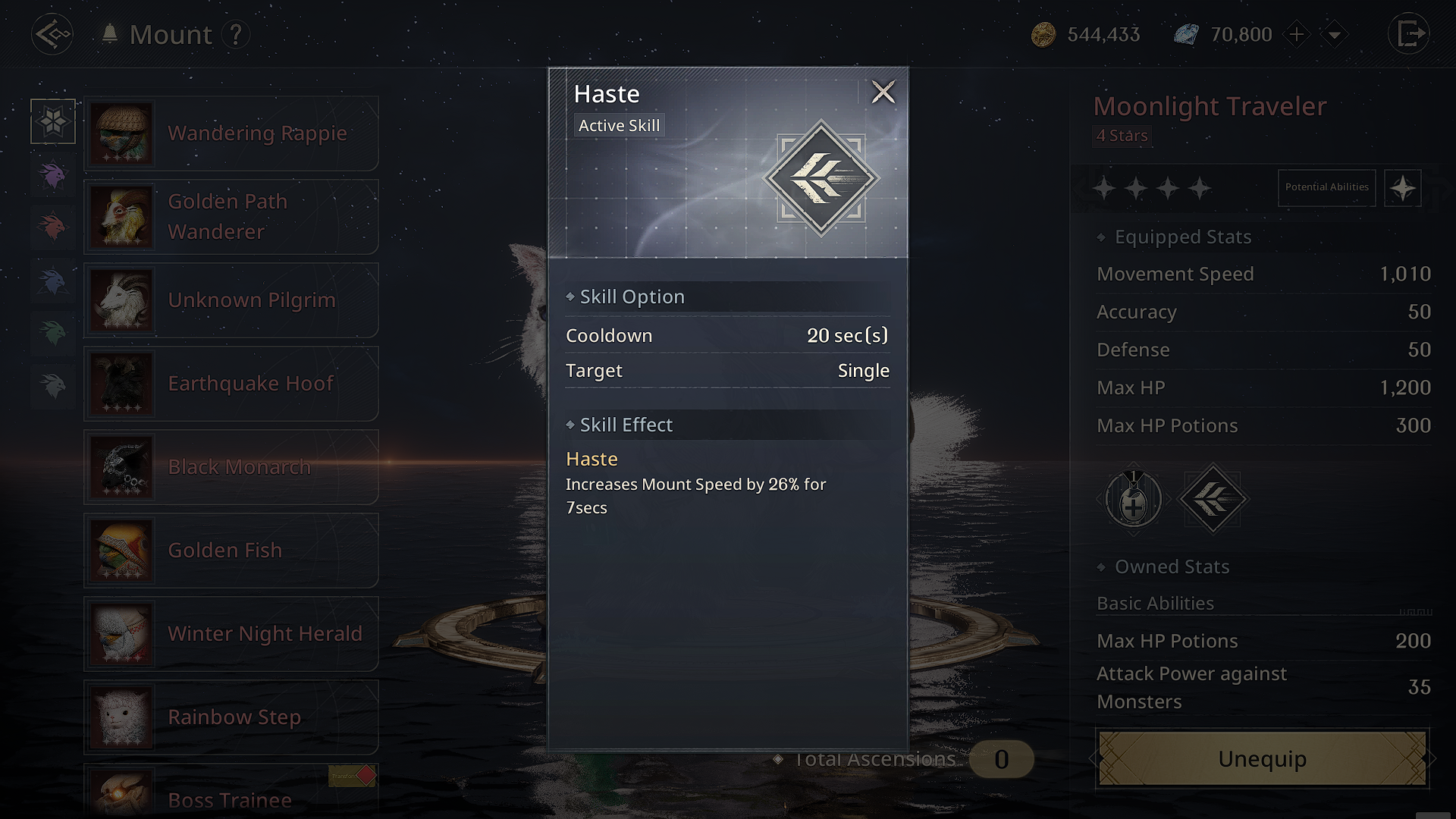
You can use the Mount’s basic Active Skill “Haste” to gain additional movement speed for a limited time.
-
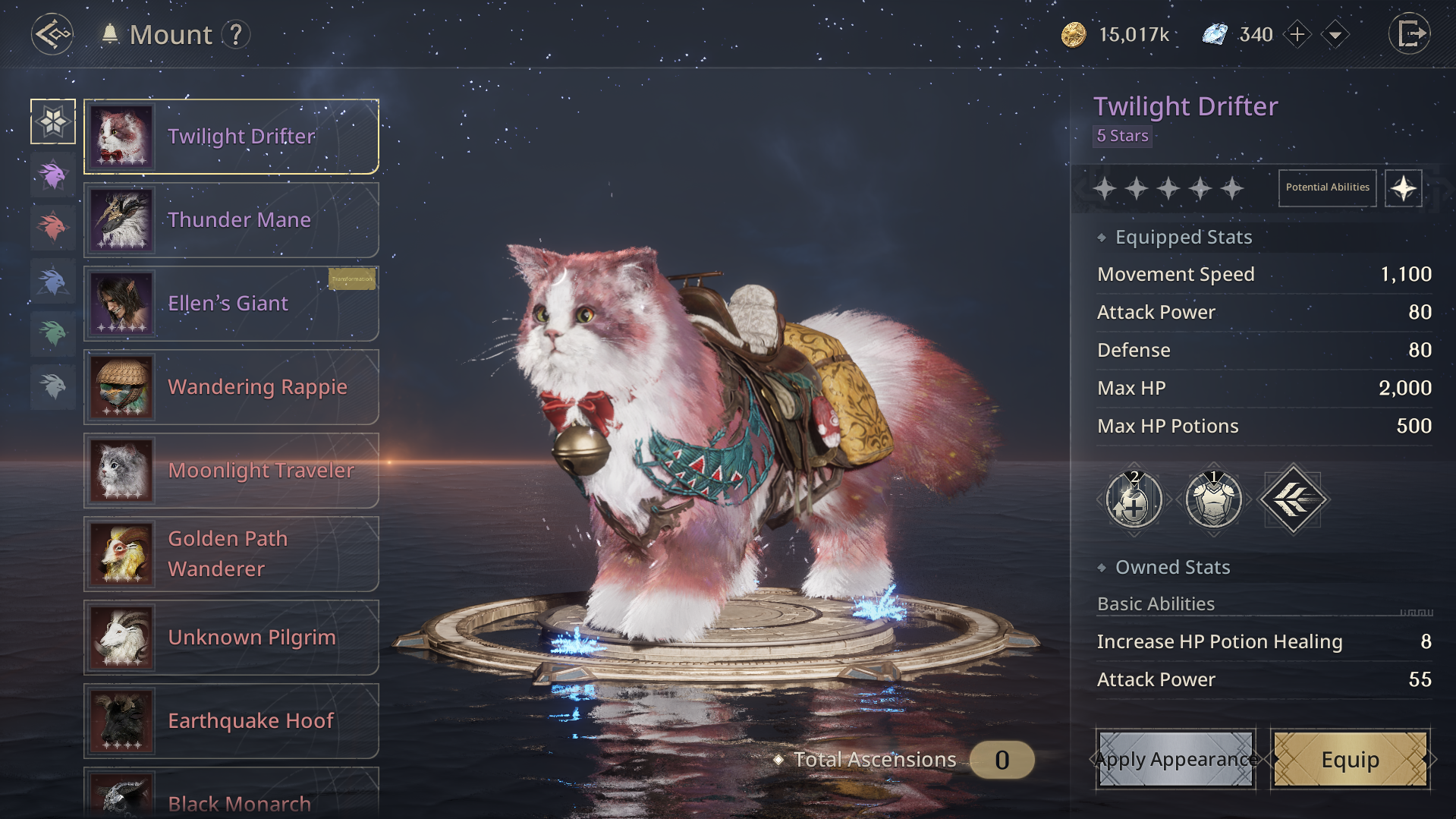
Mounts apply their unique “Equipped Stats” permanently to the character even without riding them.
■ Gliding Mounts
Gliding Mounts allow you to explore terrain that’s difficult to reach from the ground and enable strategic movement.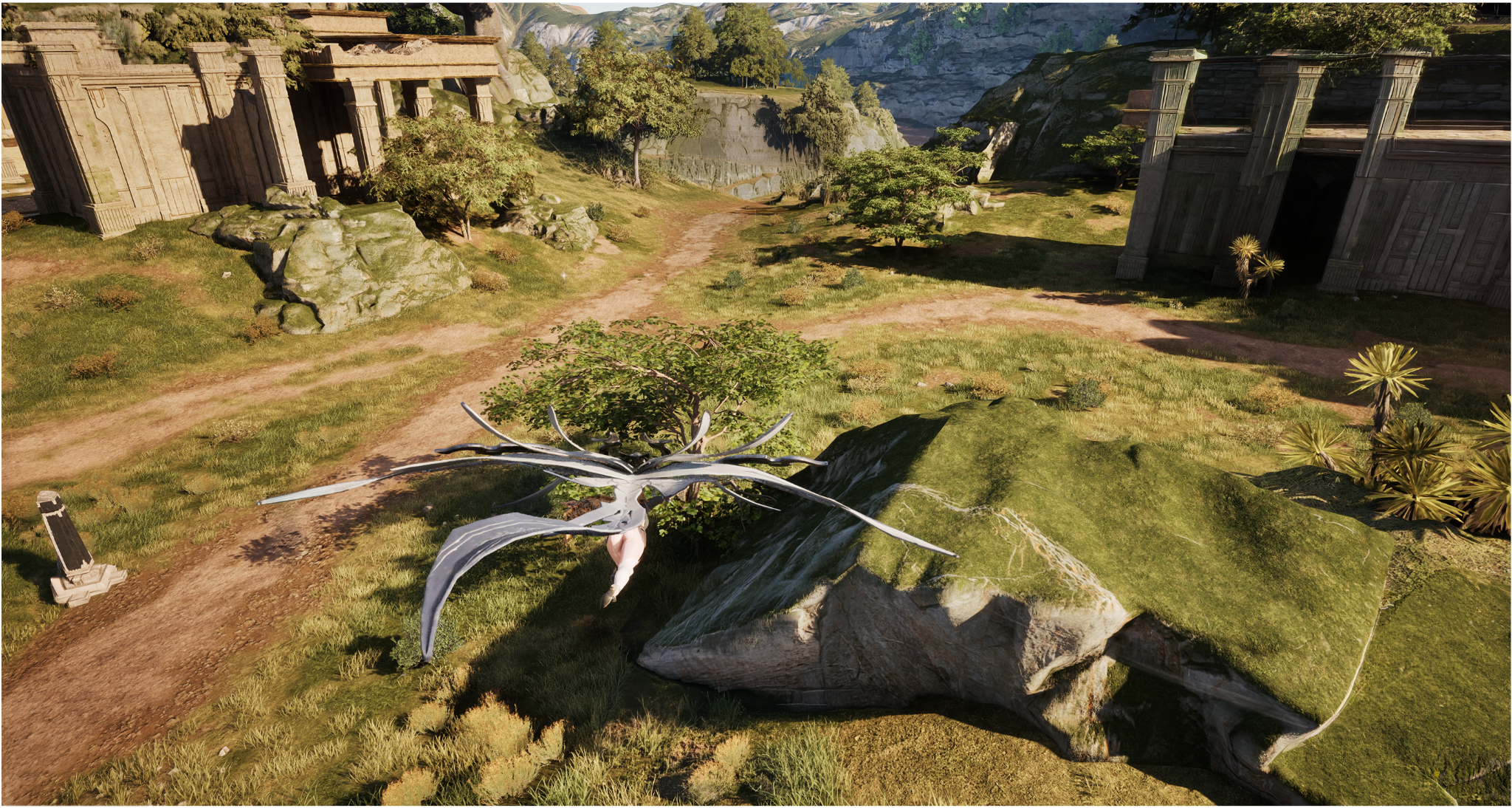
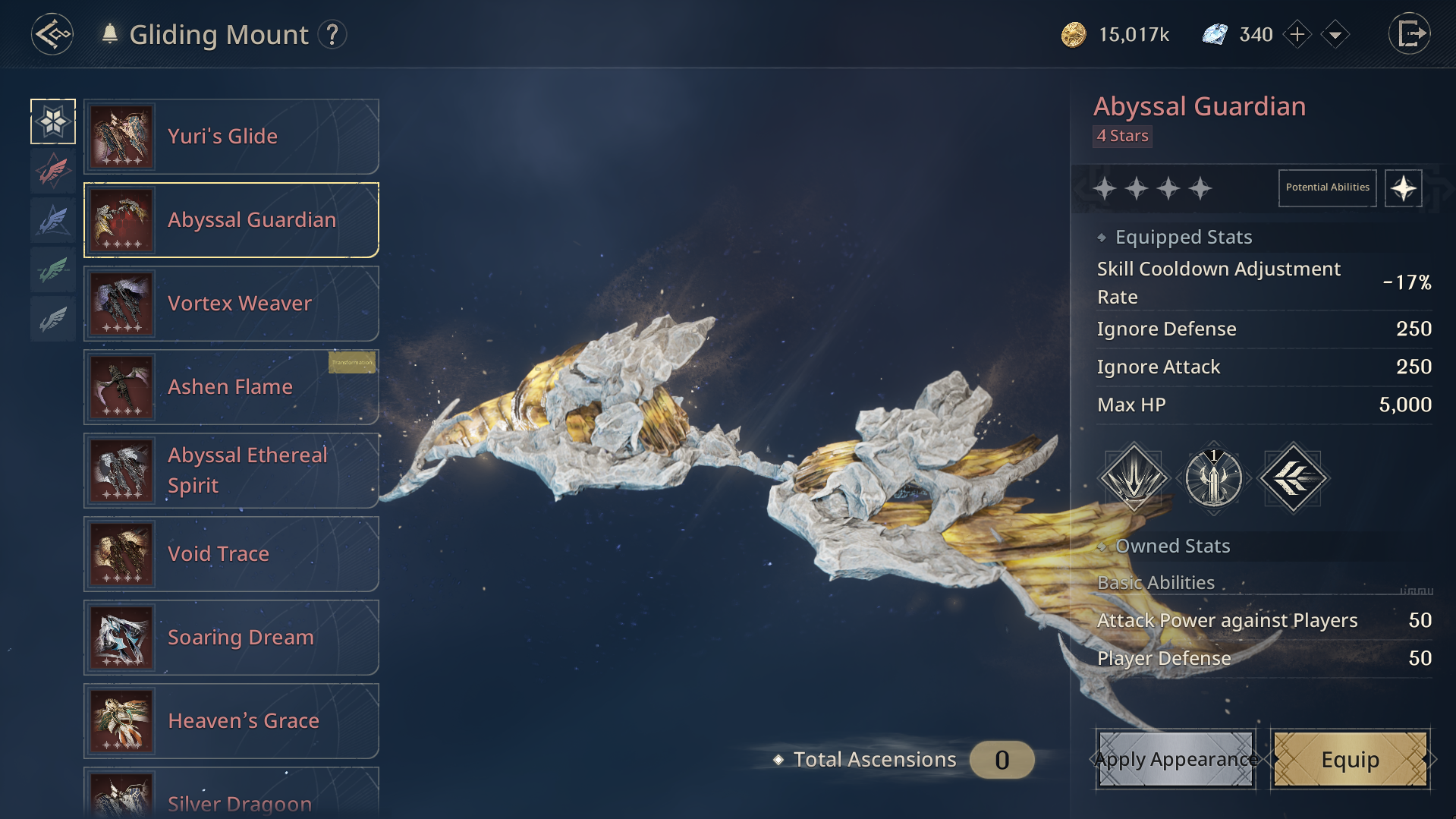
- Flight Mode Control Types: Choose between one-handed or two-handed control schemes.
- Flight Mode Vertical & Horizontal Sensitivity: Freely adjustable up to 100%.
💡 Extra Tip.
- By exploring and activating Warp Towers in advance, you can shorten travel time even further through instant teleportation!
Have a lot on your hands? Use the Inventory & Stash!
■ Inventory Management
● Auto-Equip
- If you’re unsure which equipment has better performance, simply press the “Auto Equip” button at the bottom of the inventory!
- Among the equipment you own, the one with the best performance will be automatically equipped, no need to worry, just use it right away.
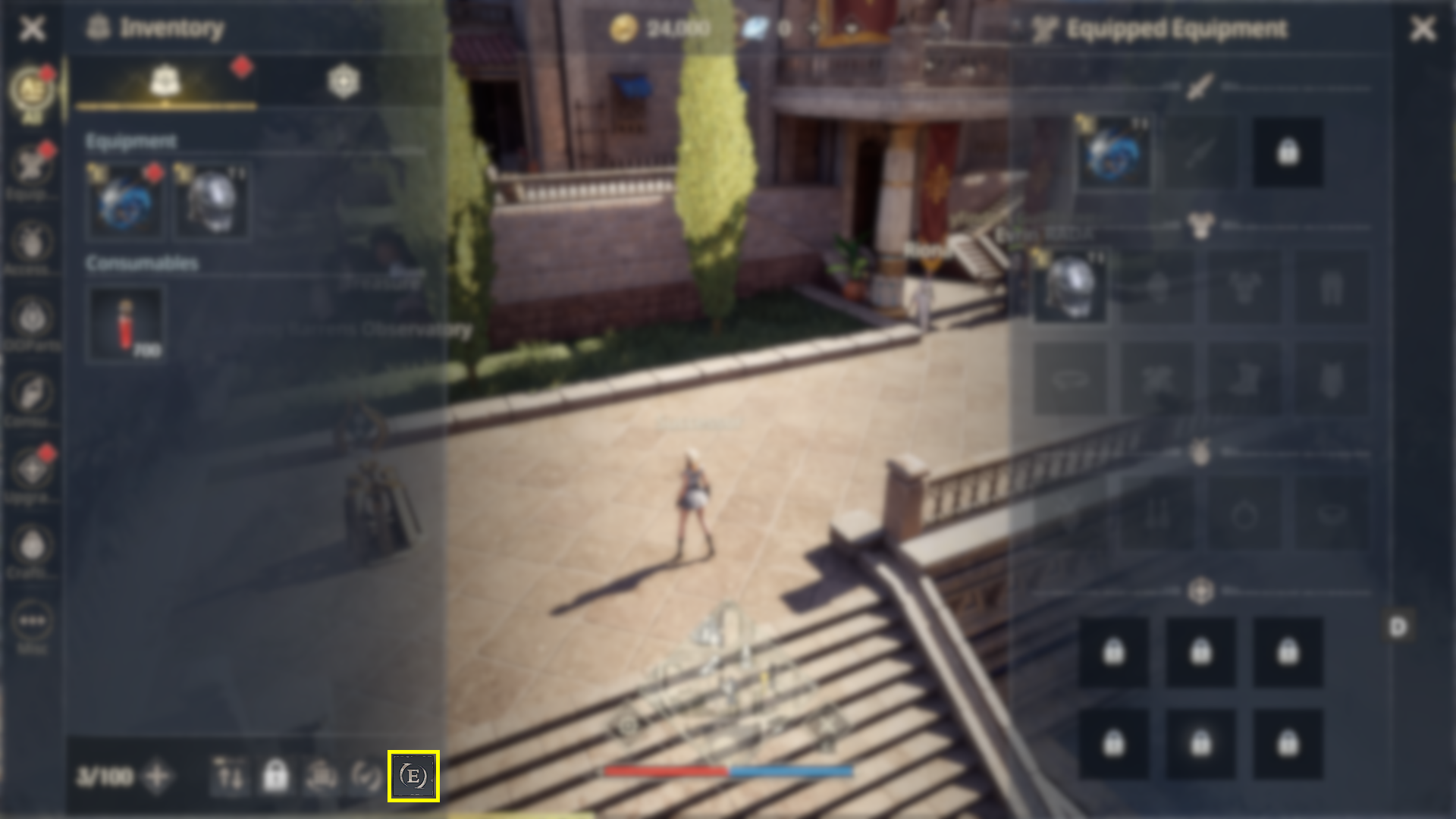
● Use All
- If selecting items one by one feels tedious, press the “Use All” button at the bottom of the Inventory!
- As befits its name, this convenient feature lets you use multiple items all at once.
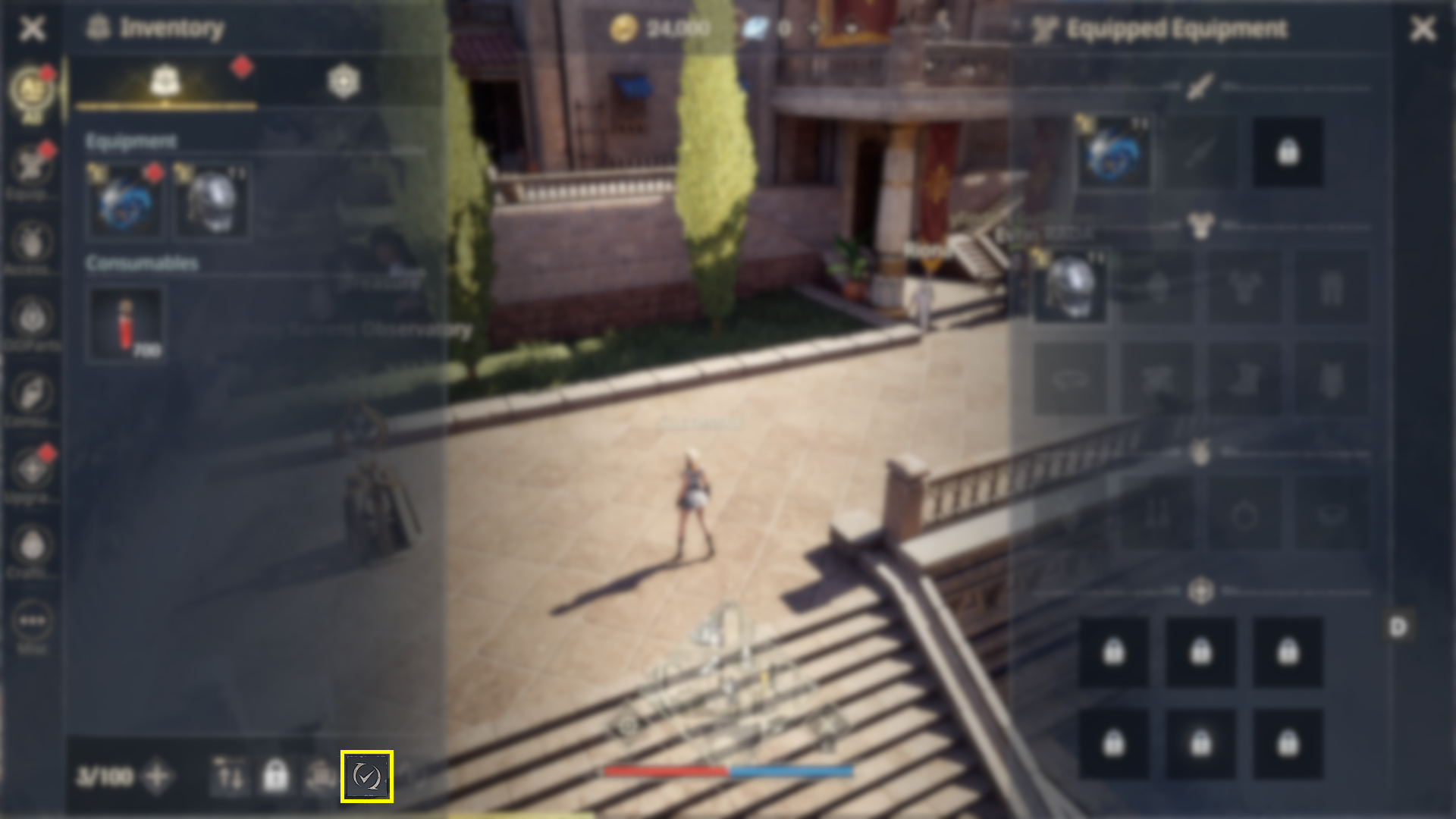
● Dismantle Item
- To avoid wasting bag slots, dismantle equipment you no longer use.
-
By dismantling items, you can obtain essential progression materials, two benefits in one!
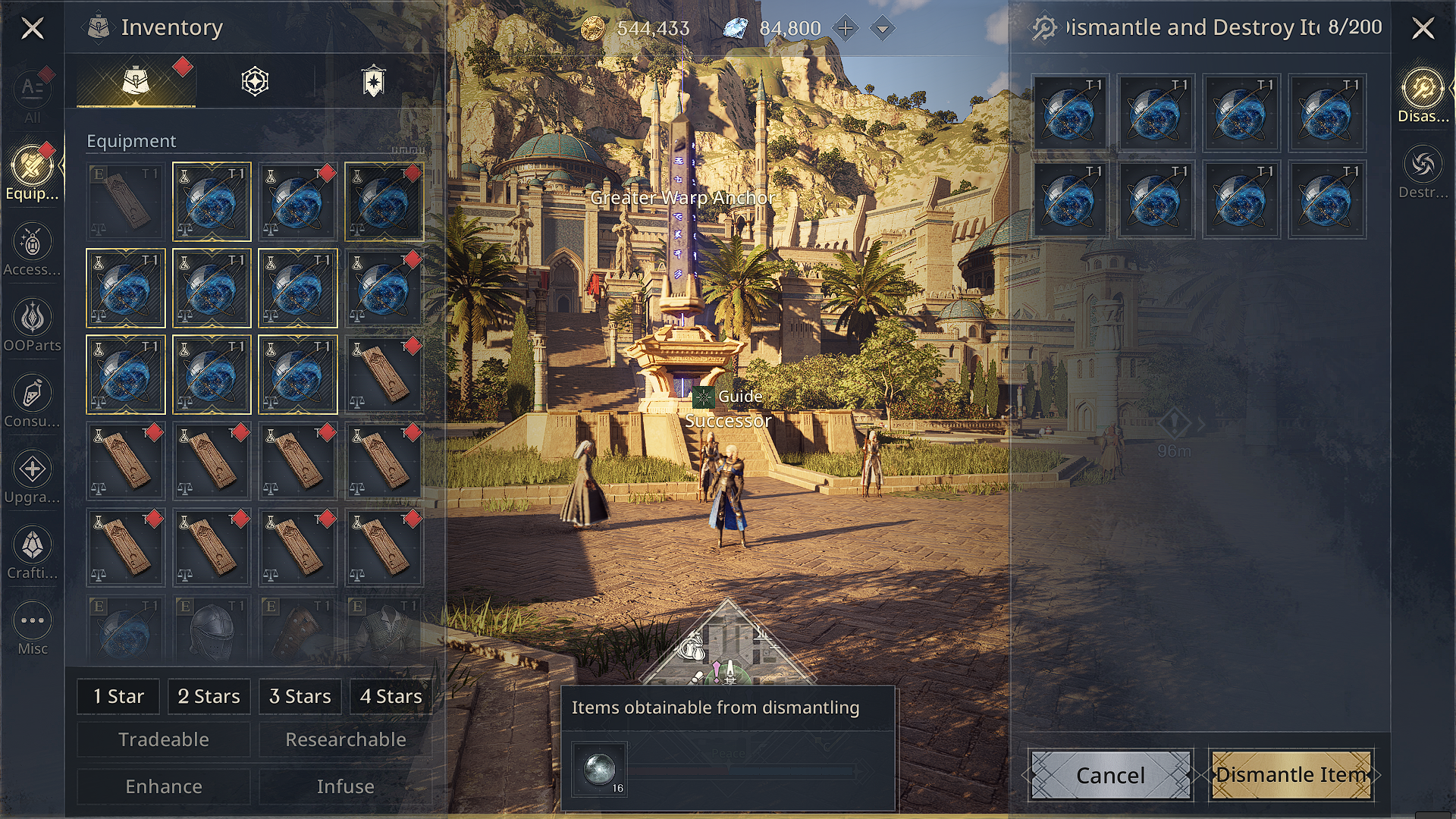
■ Stash
● Stash Keeper NPC
-
When inventory space is getting low, visit the Stash Keeper in each town or hub to deposit your items.
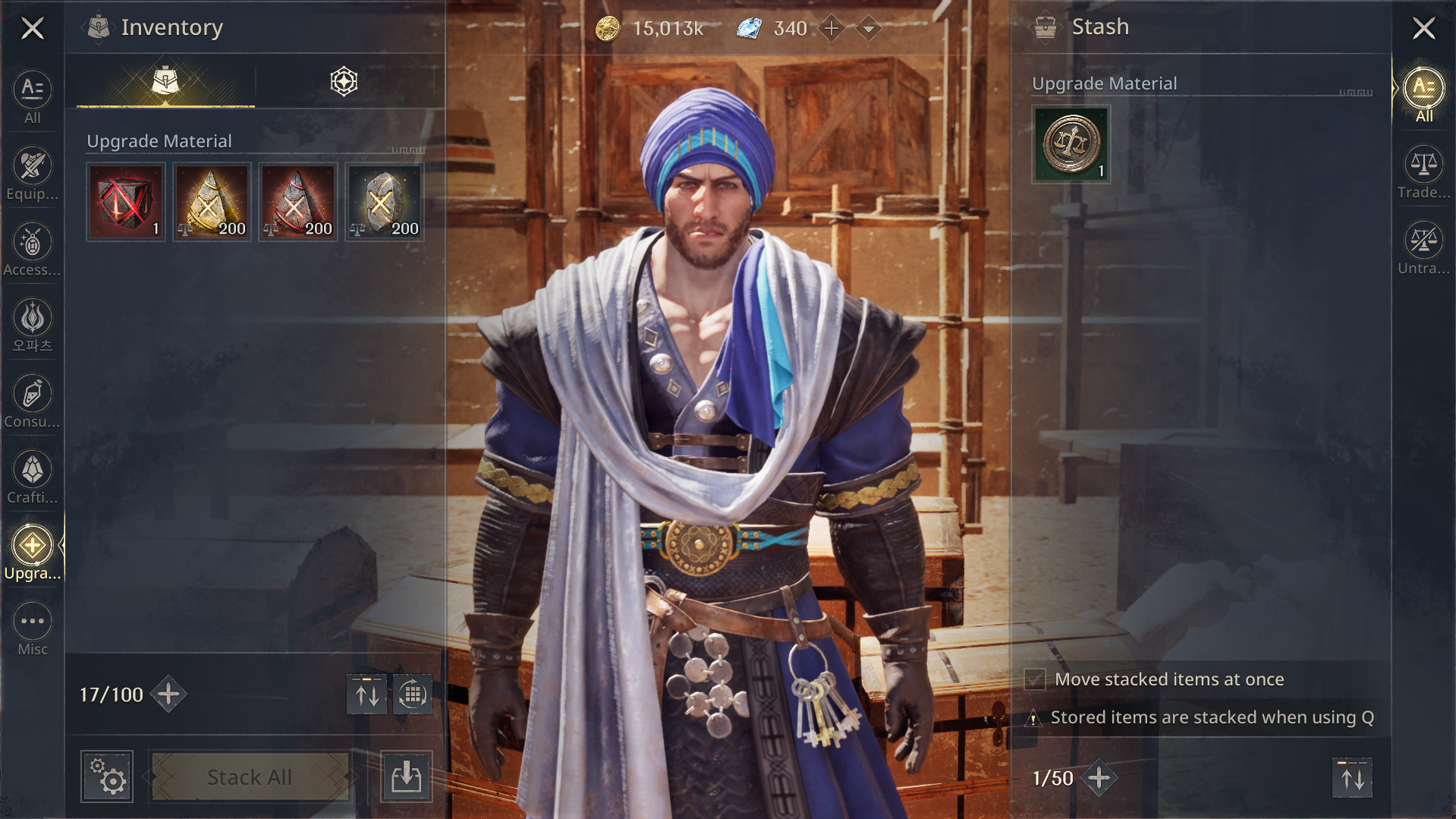
● Stack All & Quick Stack
- With the Stack All function, you can move designated grades/types of items all at once. For items already stored, use Quick Stack to instantly organize identical items for faster management.
Various Automation Features
■ Smart Auto-Combat
It is an advanced auto-combat system where, even while logged into the game, your character independently conducts maintenance tasks to ensure that you’re always at optimal strength.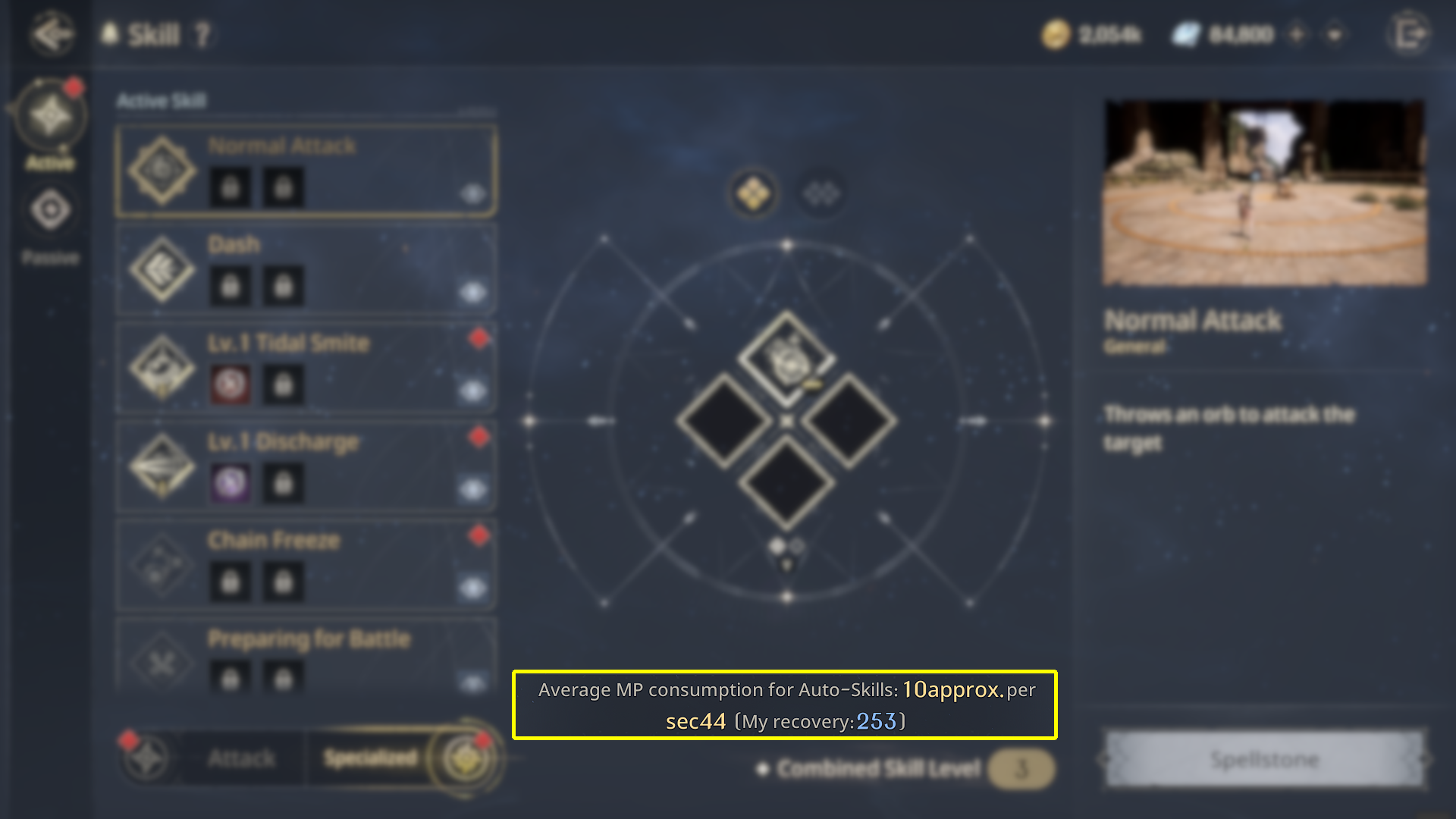
● Auto-Purchase Consumables
- When designated consumables are depleted, your character will automatically visit town to repurchase them and then return to the original hunting ground.
- If death occurs during Auto-Combat, the character will be automatically revived according to a couple of criterias set and continue hunting at the designated location.
● Auto-Stash & Dismantle
- With Auto-Stash, when your bag is full, items of the specified grade or higher will be stored in the warehouse to free up space.
- Auto Dismantling is available when the premium benefit “Successor’s Privilege” is active. Equipment of the designated grade or lower will be automatically dismantled, clearing your bag while steadily collecting dismantling materials.
● Auto-Purchase Monolith Buff
- Automatically purchase and maintain Monolith buffs useful for maximizing combat efficiency.
■ Essential Check When Using Skills: MP Recovery!
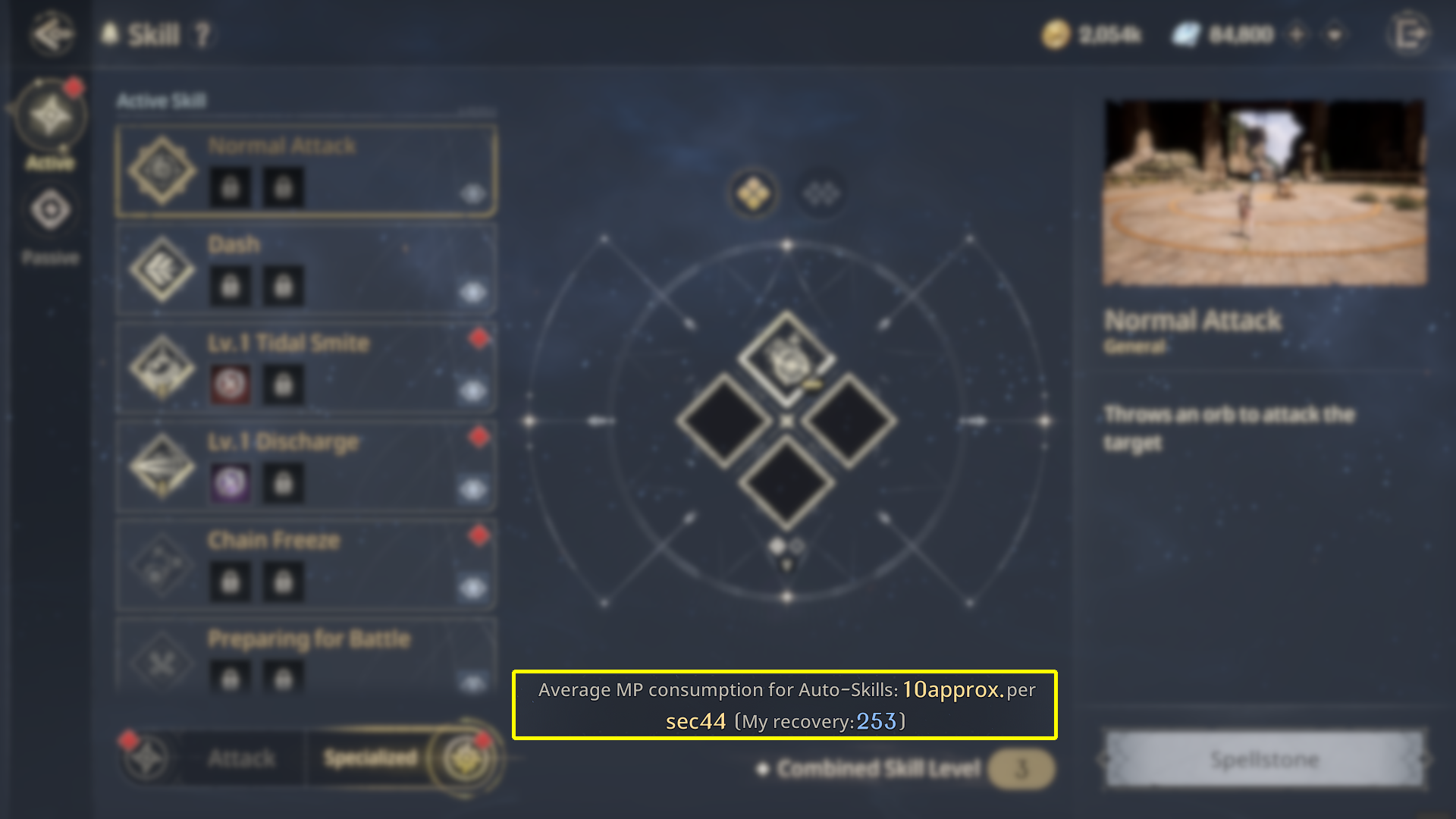
At the bottom center of the [Skill] screen, you can check both “Average MP Consumption per 10 seconds for Auto-used Skills” and “My Recovery Amount.”If your MP recovery per 10 seconds is lower than the average consumption, skills may fail to activate during battle.
Adjust your auto skill usage settings according to your recovery rate to ensure smooth combat.
Please make good use of the convenience features introduced today to enjoy a smoother and more enjoyable adventure!
In the next guide, we’ll return with more useful information to support adventurers.
Thank you.
In the next guide, we’ll return with more useful information to support adventurers.
Thank you.