01. Overview
Phantom Weapons are special weapon appearances that grant your Architect’s weapons both distinctive forms and powerful strength. Beyond simple visual changes, they provide unique stats and special effects that can reshape the flow of battle, sharpening your combat style.
02. Obtaining Phantom Weapons
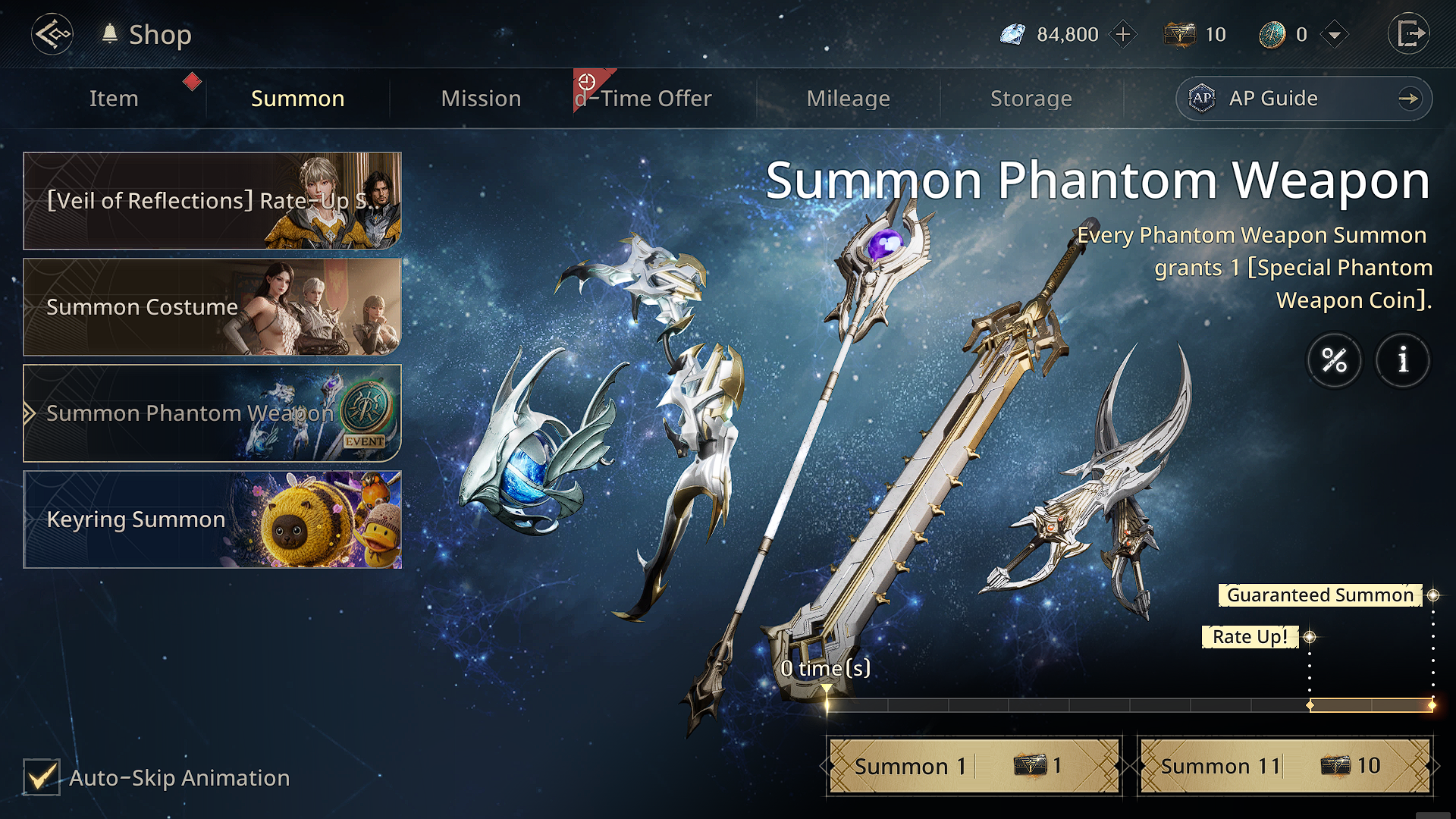
The most basic way to acquire new Phantom Weapons is through Summoning. By using premium currency (Diamonds) or Phantom Weapon Summon Coupons, you can attempt to obtain powerful Phantom Weapons.
✧ Guaranteed Summon
To ensure every attempt leads toward meaningful progress, the summoning system includes a safeguard. If you fail to obtain a ★4 Phantom Weapon after 80 summons, the chance of acquiring one increases with each subsequent attempt. And if you still haven’t received a ★4 Phantom Weapon by the 99th summon, the 100th summon guarantees one ★4 Phantom Weapon. Once a ★4 Phantom Weapon is obtained, the summon count resets.
03. Phantom Weapon Stats
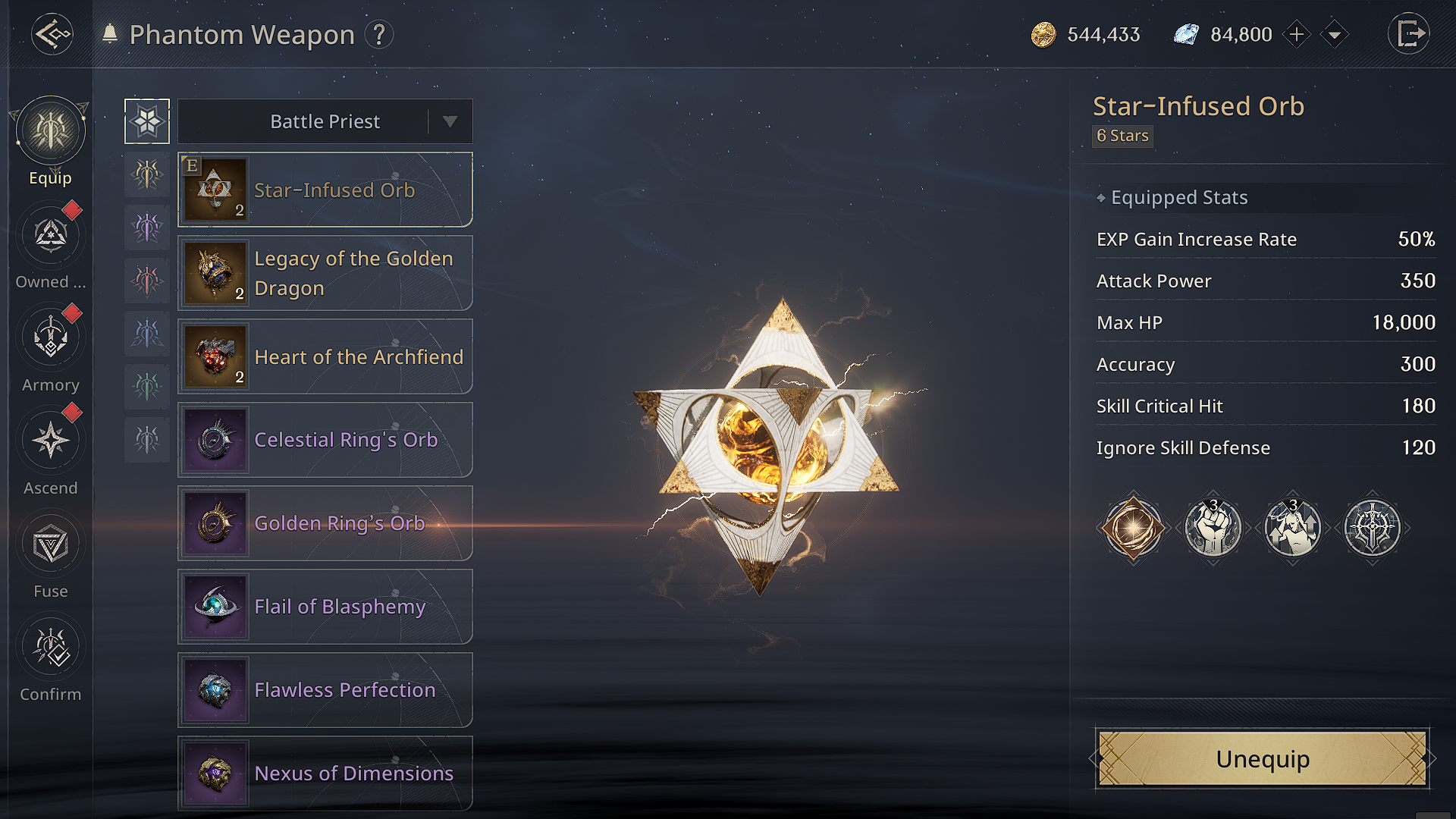
Every Phantom Weapon provides unique Equipped Stats that boost your character’s attributes when worn. These stats enhance overall performance, making Phantom Weapons a vital source of power in battle.
04. Phantom Weapon Skills
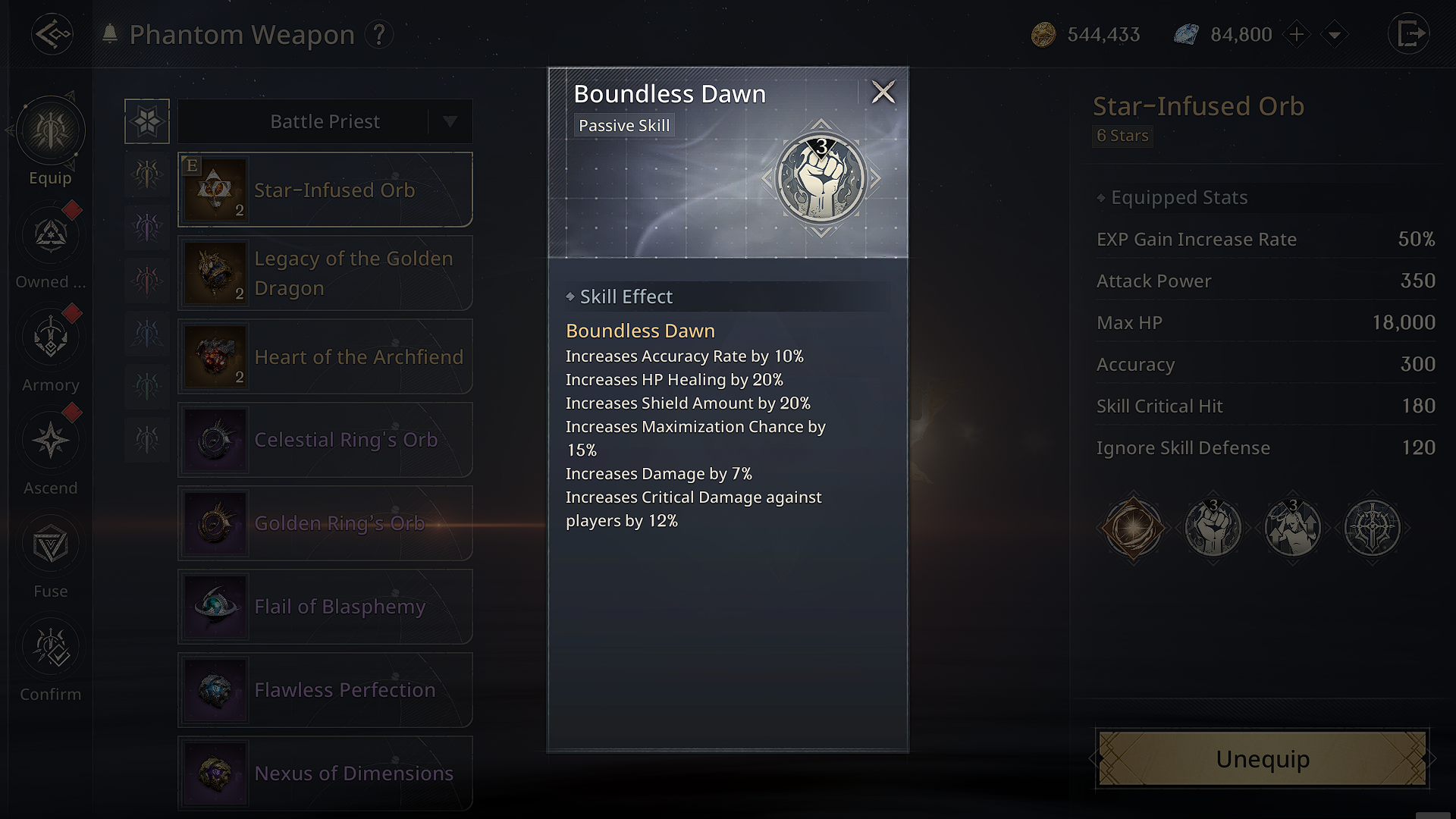
Equipping a ★3 Phantom Weapon or higher unlocks a special skill that enhances normal attacks using Memolite.
Phantom Weapons of ★4 grade or higher also contain unique passive skills that amplify their power even further. These passive abilities deliver decisive effects in both PvE battles against monsters and PvP duels with other adventurers, often turning the tide of combat with their strength.
05. Fusing Phantom Weapons
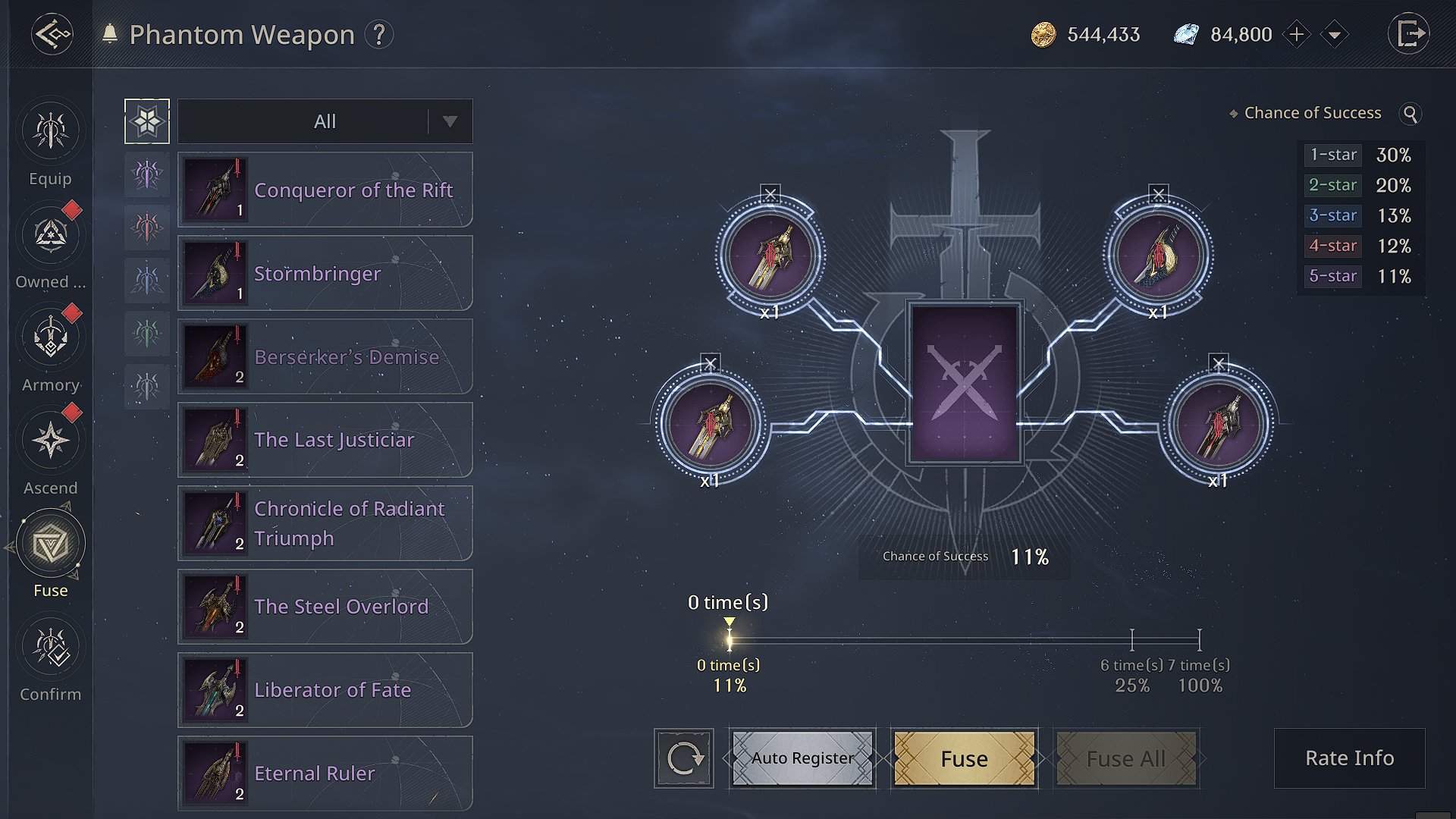
The Fuse Phantom Weapons system allows you to use four Phantom Weapons of the same grade as materials to attempt obtaining one of a higher grade. For ★3 Phantom Weapons and above, a safeguard ensures that no effort is wasted, if fusing fails six times in a row, the success rate for the next attempt increases. If it fails again up to the seventh time, the following fuse is guaranteed to succeed with 100% probability.
06. Phantom Weapon Confirmation
When you obtain a ★4 Phantom Weapon or higher, you are given an opportunity similar to Costume Confirmation to swap it for another type. Before confirming, you can directly select the desired Class, allowing you to exchange the Phantom Weapon for one belonging to that class. This system enables more strategic choices, ensuring you can secure a weapon that best fits your playstyle.
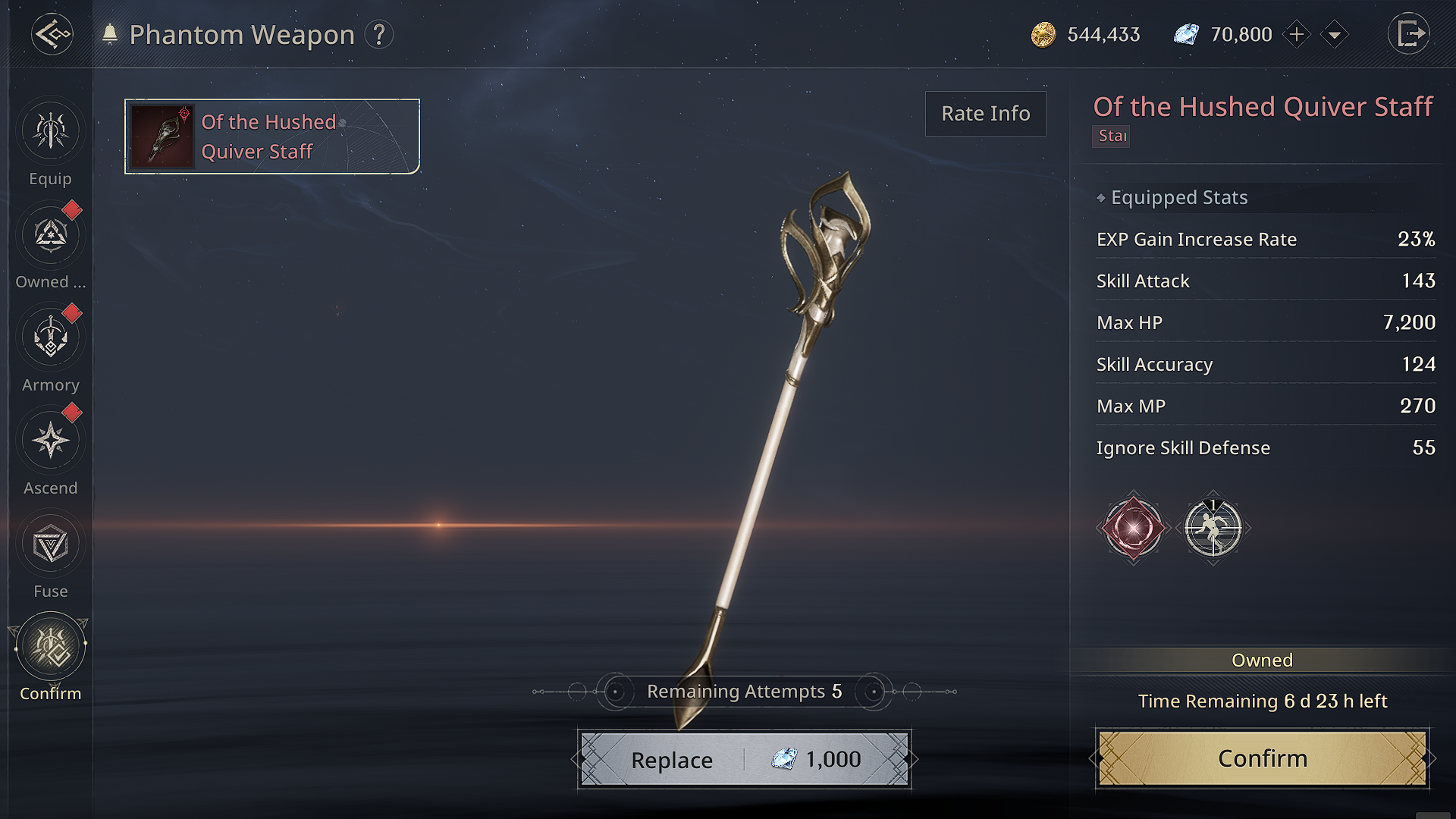
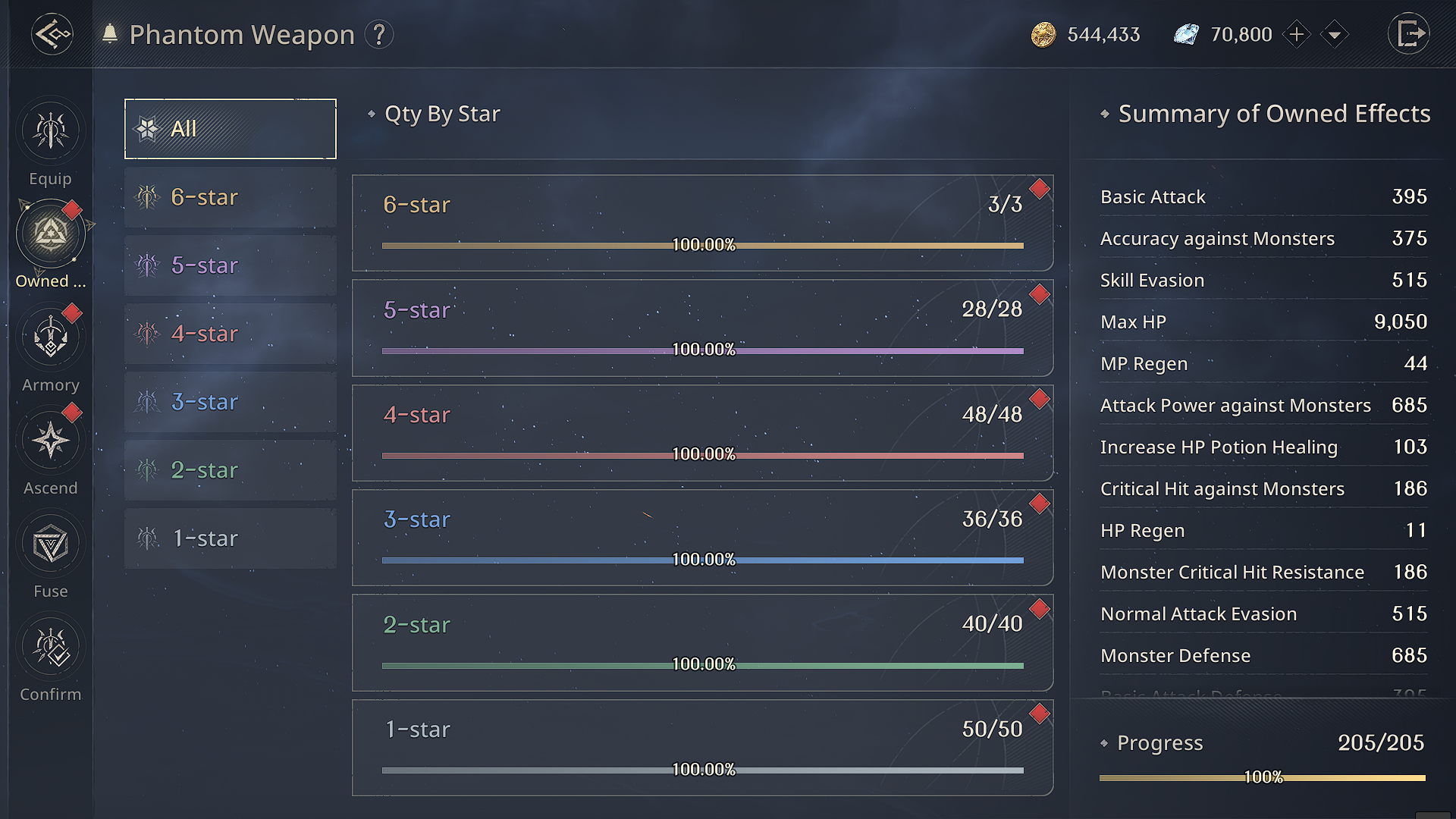
07. Phantom Weapon Owned Effects
By collecting various Phantom Weapons across different grades, you activate permanent Owned Effects that boost your character’s attributes based on the number obtained.
This means growth is not only about aiming for a single powerful Phantom Weapon, but also about steadily gathering a wide range of them, making collection itself a key to long-term strength.
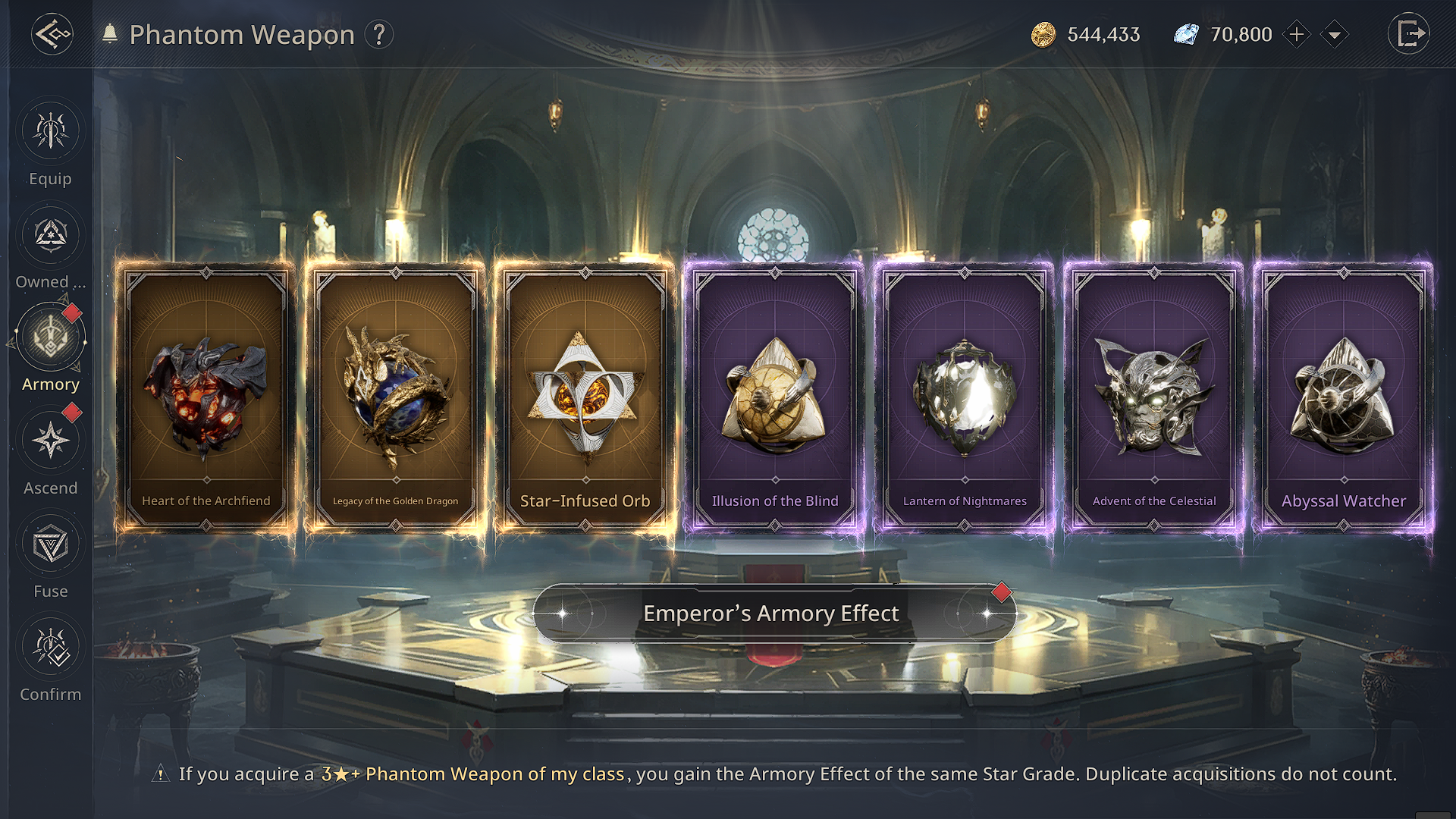
08. Emperor’s Armory
The Emperor’s Armory allows you to register up to seven Phantom Weapons of ★3 grade or higher that match your class, each unlocking powerful unique effects. The higher the grade of the registered Phantom Weapons, the stronger the effects become.
Duplicate Phantom Weapons of the same type cannot be registered, and all weapons placed in the armory are automatically arranged from left to right in order of grade, with the highest-grade weapons occupying the first slots.
09. Ascension
For Phantom Weapons that are 4-star or higher rarity, you will be able to Ascend them to improve them further.
Unlocking Phantom Weapon Ascension
Registering a certain number of Phantom Weapons allows you to ascend them for improved stats, with 4-Star Ascension requiring seven or more 4★ Phantom Weapons, 5★ Ascension requiring seven or more 5★ Phantom Weapons, and 6★ Ascension requiring at least one 6★ Phantom Weapons.
How to Ascend your Costumes
Ascension requires consuming costumes of the same star grade as materials, which are automatically selected and cannot be chosen individually. Each star grade has a maximum Ascension stage: 4★ costumes can be ascended up to three stages, 5★ costumes up to two stages, and 6★ costumes up to one stage.
Effects
Equipped stats increase according to the Ascension stage, and an “Overall Ascension Effect” is applied based on the total number of Ascension stages achieved.