01. Overview
The Marketplace is the economic hub of the Architect world, where creators can freely buy and sell items they need. Here, you can sell valuable items obtained through your adventures to accumulate wealth, or purchase growth-essential items at reasonable prices to become stronger.
02. Purchasing from the Marketplace
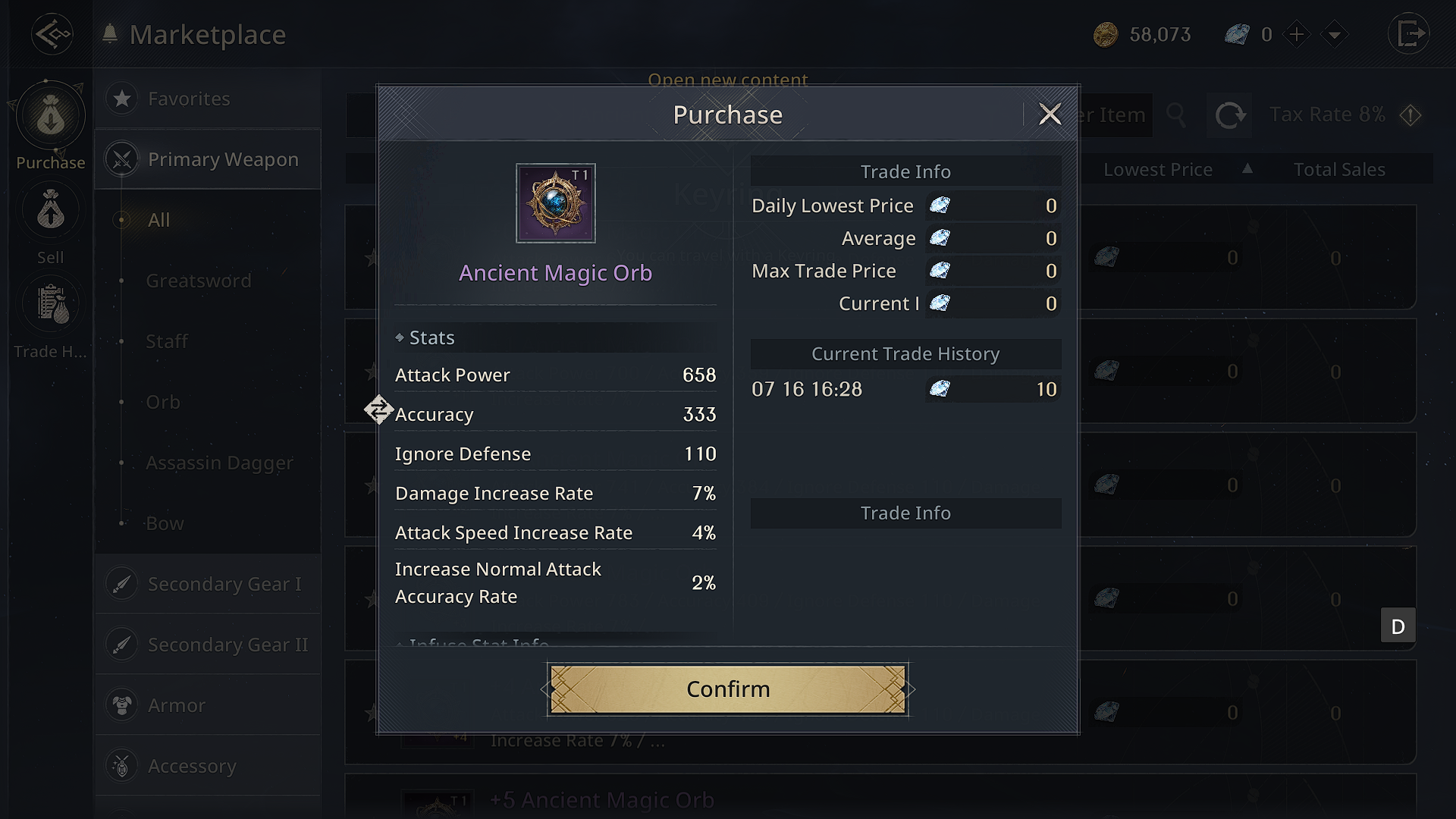
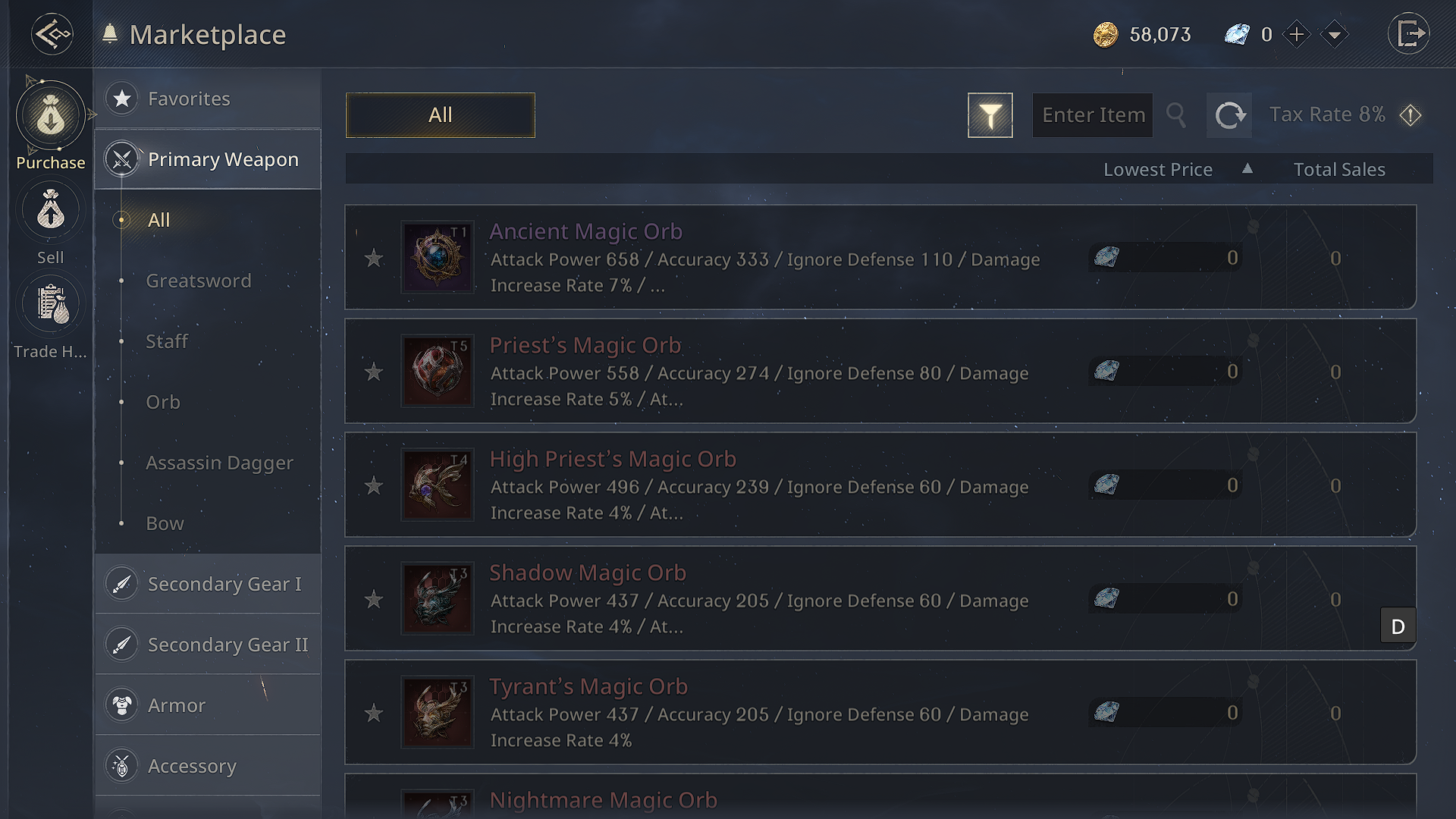
Browse and buy items put up by other Architects for sale across categories such as weapons, armor, and consumables.
- Favorites: Register frequently searched or interesting items as Favorites for quicker and more convenient access later.
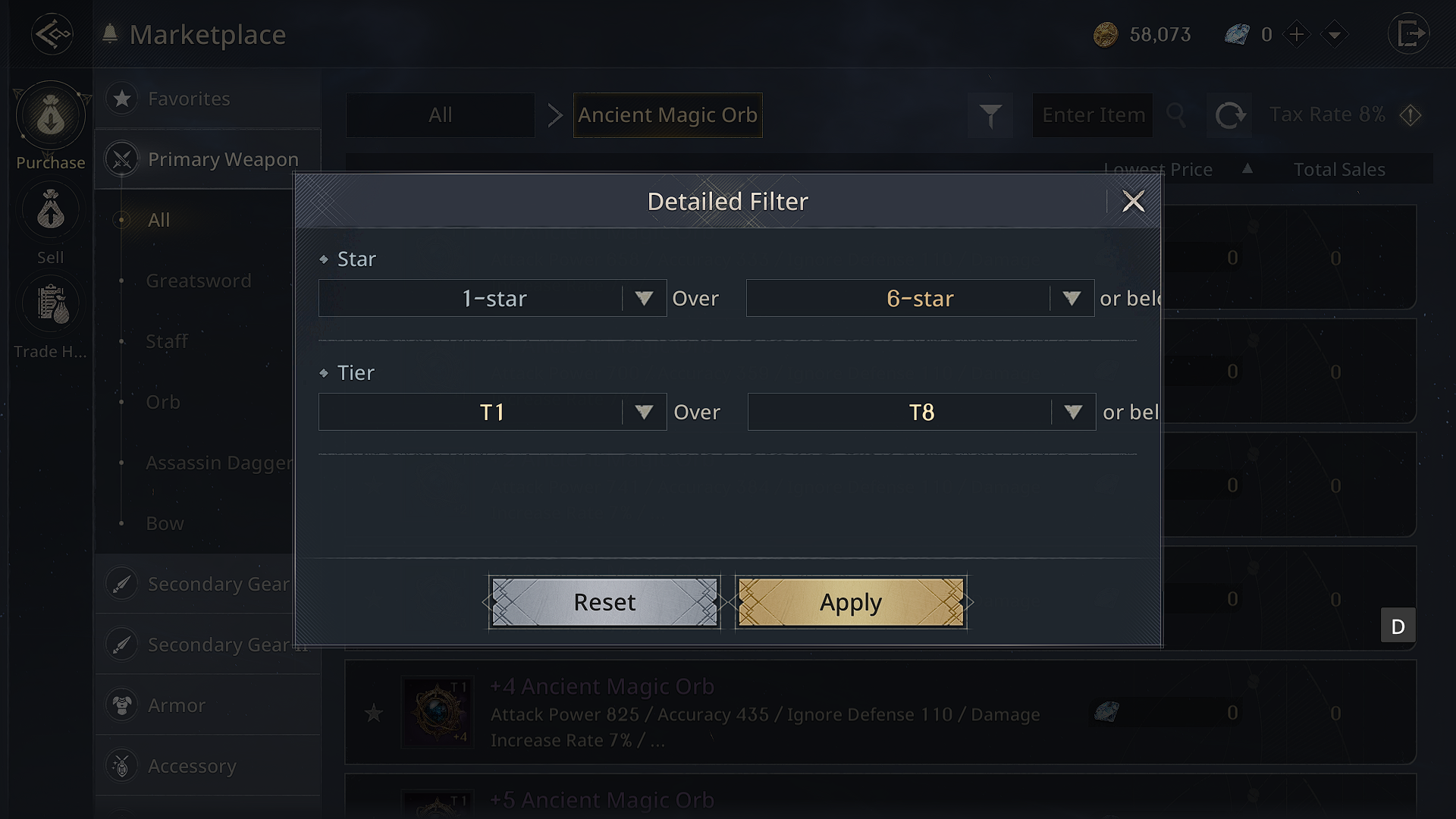
- Filter: Set minimum and maximum grades to refine your search for purchase items.
- Bulk Purchase: Allows you to buy the desired quantity of items at once.
03. Selling on the Marketplace
✧ Check Item information
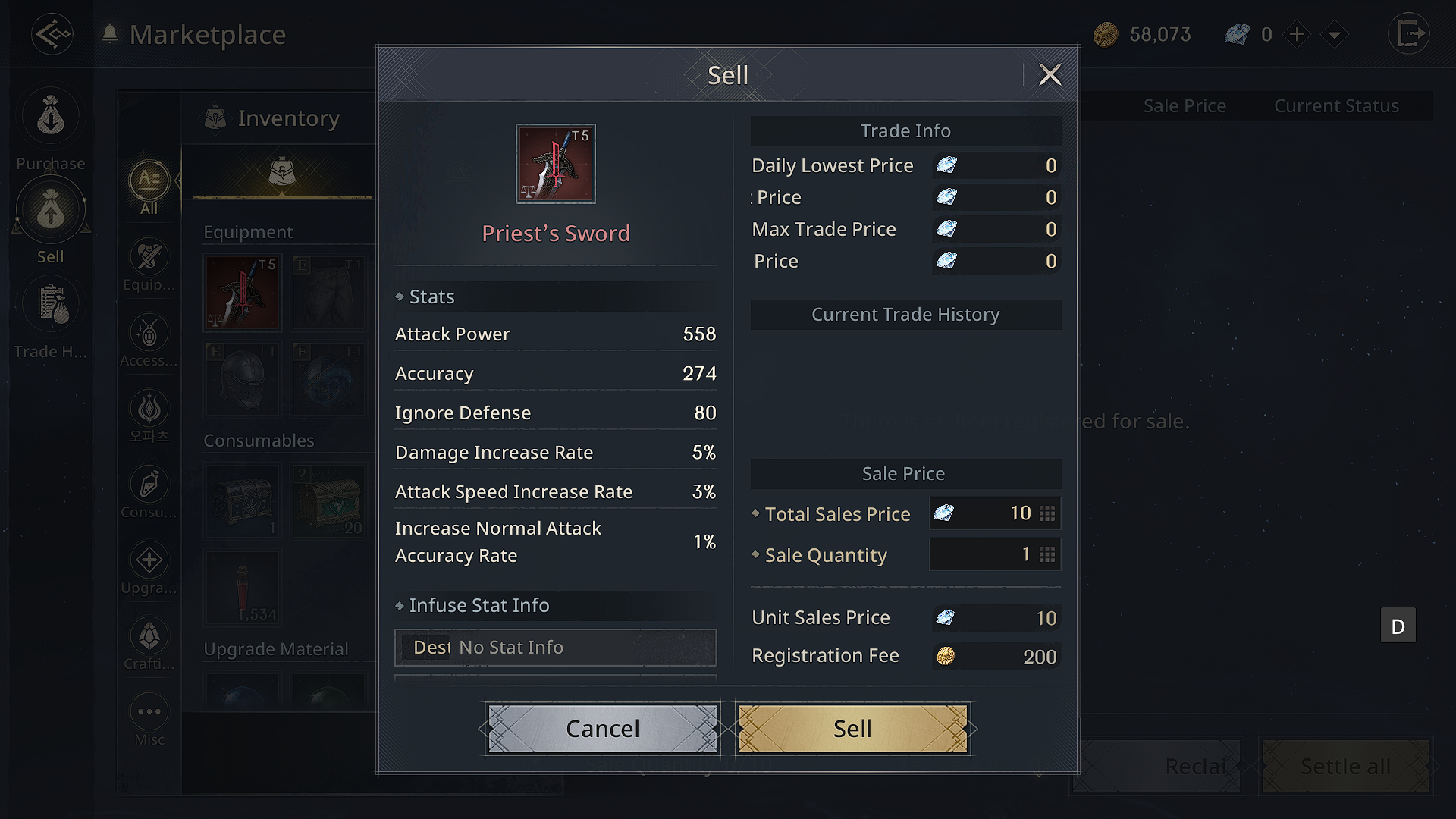
Before registering an item for sale, you can review its detailed stats and enchantment info, as well as average market prices based on recent transactions. This helps you set a fair and reasonable selling price.
✧ Register item
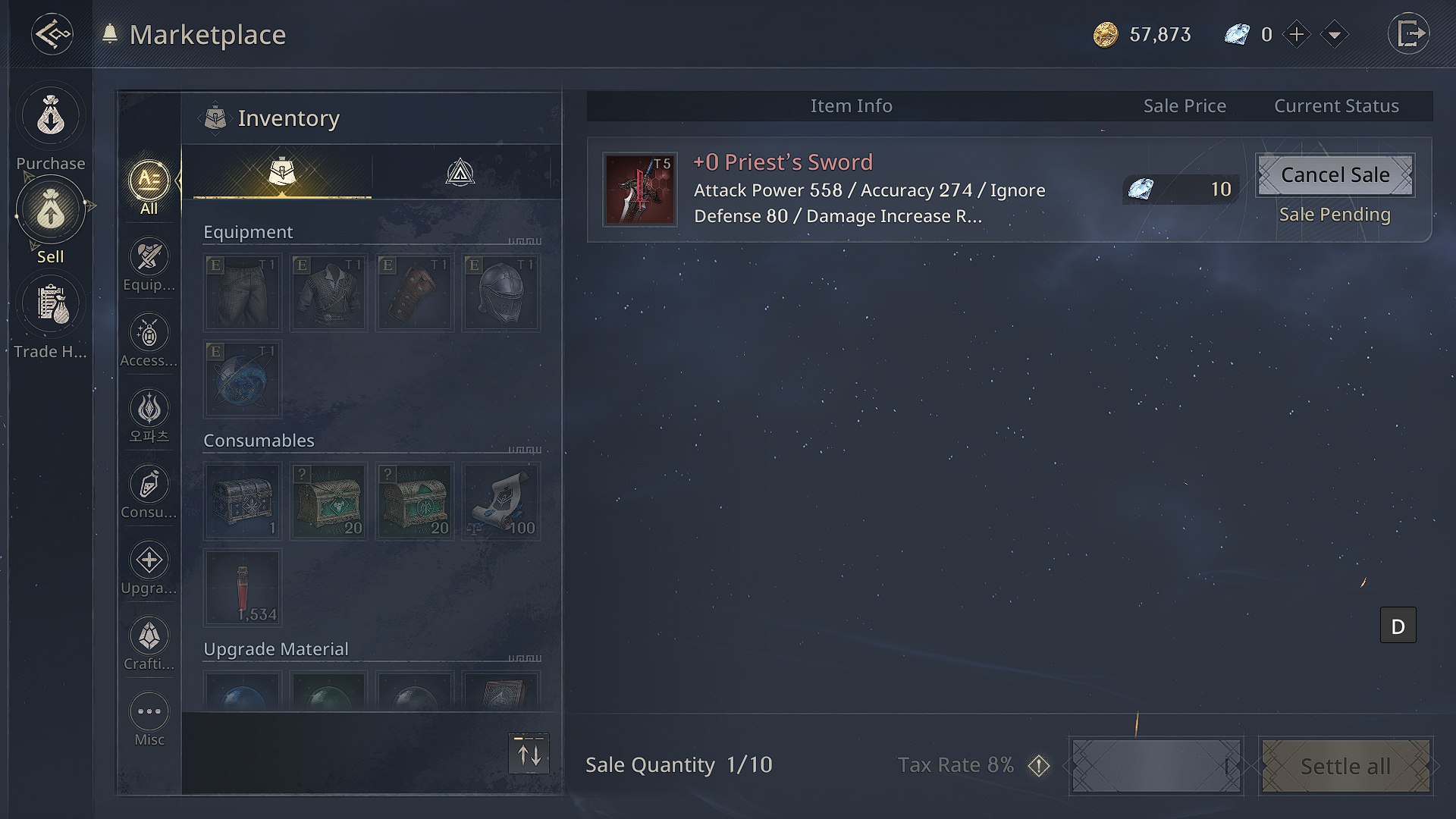
You can register items for sale by directly setting the quantity and unit price. A small registration fee will be charged when listing items.
✧ Settlement
Once an item is successfully sold, you can receive the sale proceeds. At this time, a transaction fee based on the set tax rate will be deducted from the payment before it is issued.
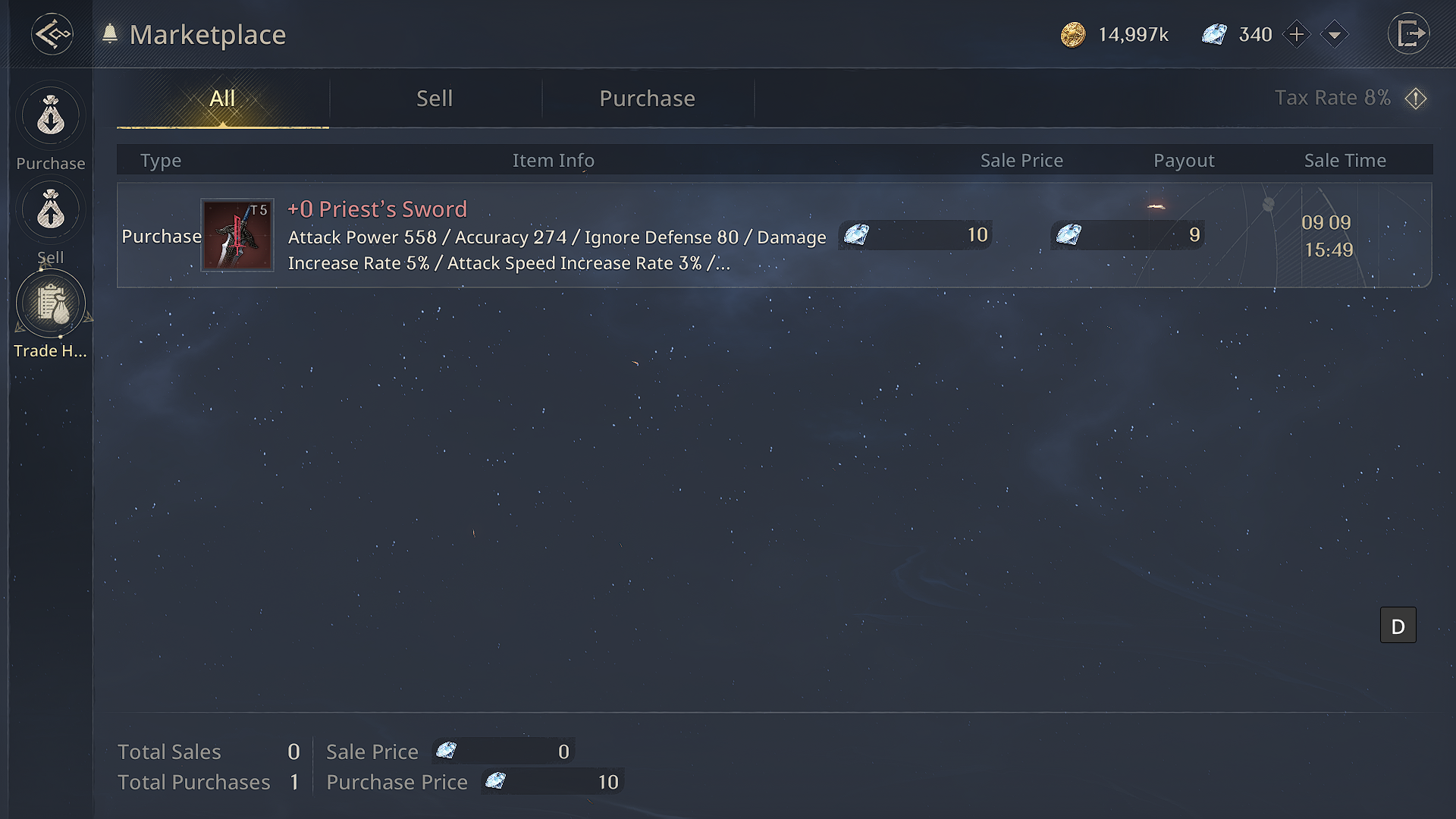
04. Marketplace History
You can review the detailed transaction history of all items you have bought or sold through the Marketplace, displayed in chronological order.